

Parts search & catalogue
Finds the part, however it is typed.
Part numbers and replacement numbers, typed or scanned: one search box, tested on 100,000 parts, that answers in hundredths of a second.
- ZATCA Phase 2 e-invoicing
- Data kept in Saudi Arabia
- Arabic and English
Why it matters
Customers bring part numbers with or without dashes, in Arabic digits, or the old number that was replaced. Ktuulz treats every spelling as the same part, so you never miss stock that is on the shelf.
However the number is typed
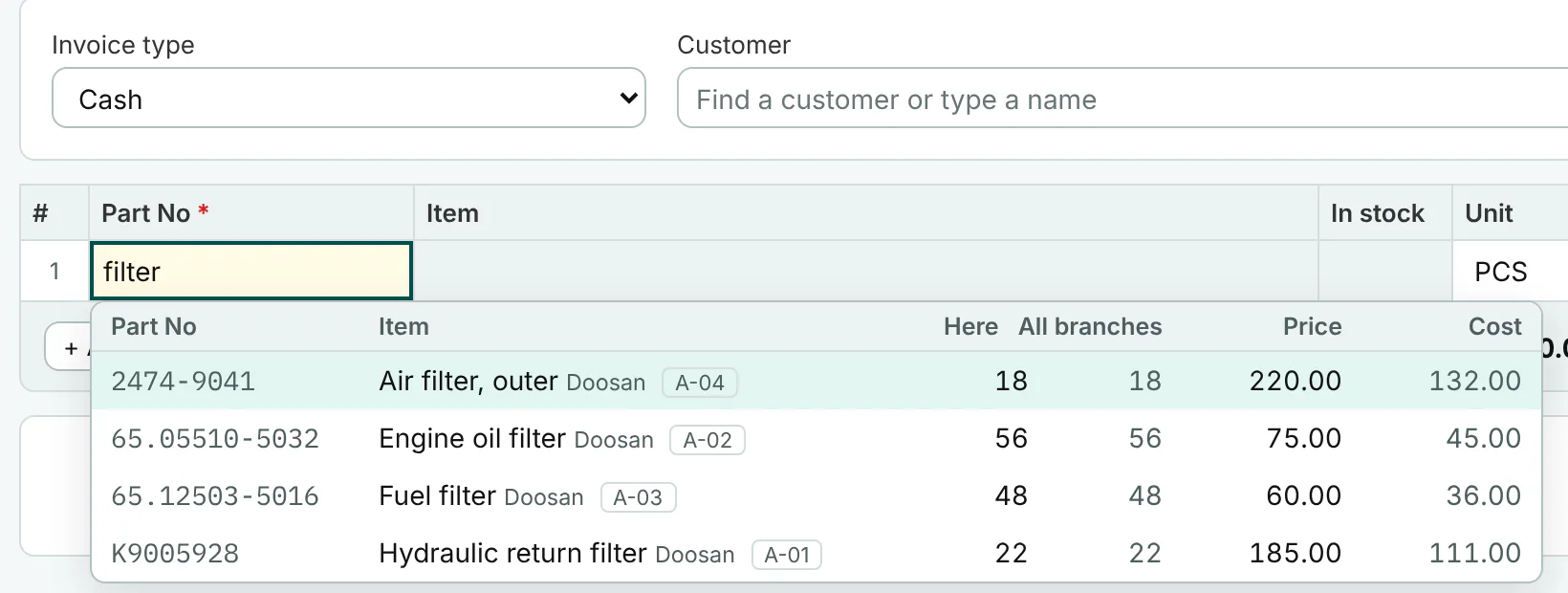
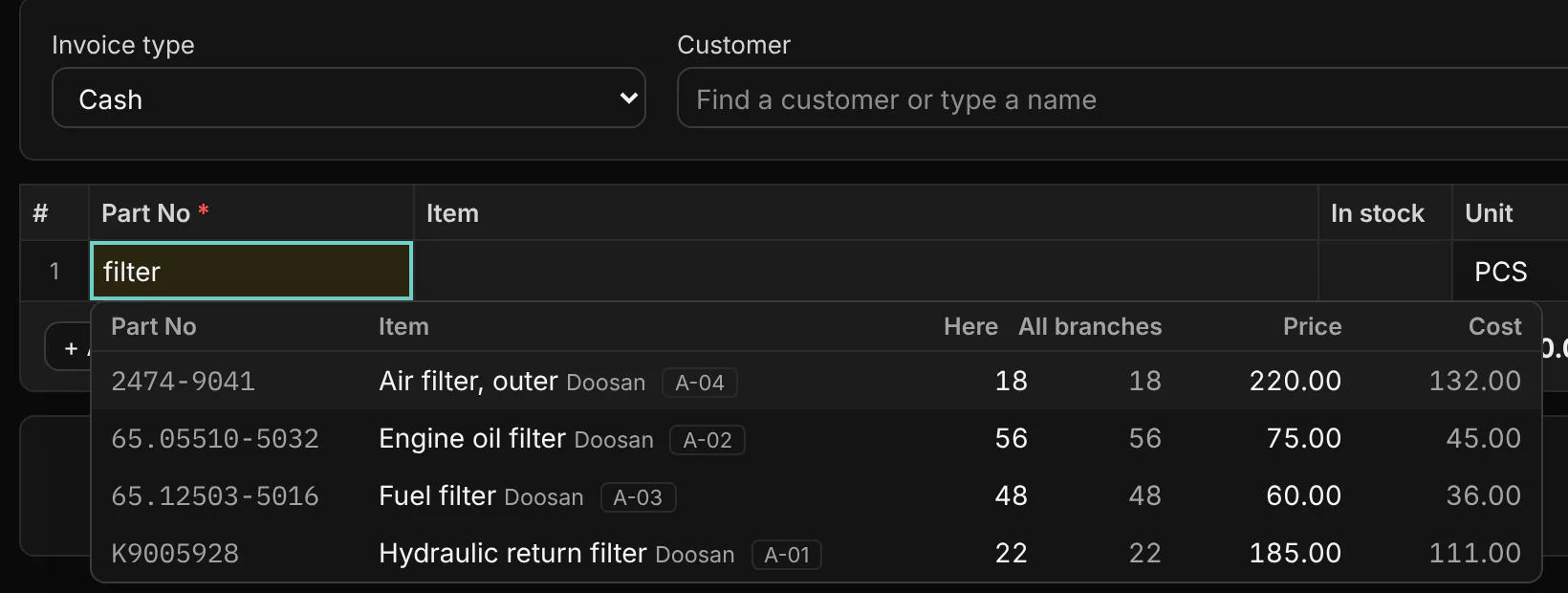
1R-0750, 1R 0750 and 1r0750 find the same part. Dashes, spaces, dots and slashes do not matter, Arabic letter variants and Arabic digits are folded, and a scanned number goes straight onto the line.
Old, new, original and supplier numbers
Keep the replacement numbers, the maker’s original number and your supplier’s number on one part. Search by any of them; the list shows the stock here and in every branch, so you sell what is on the shelf.
Search by machine serial or model
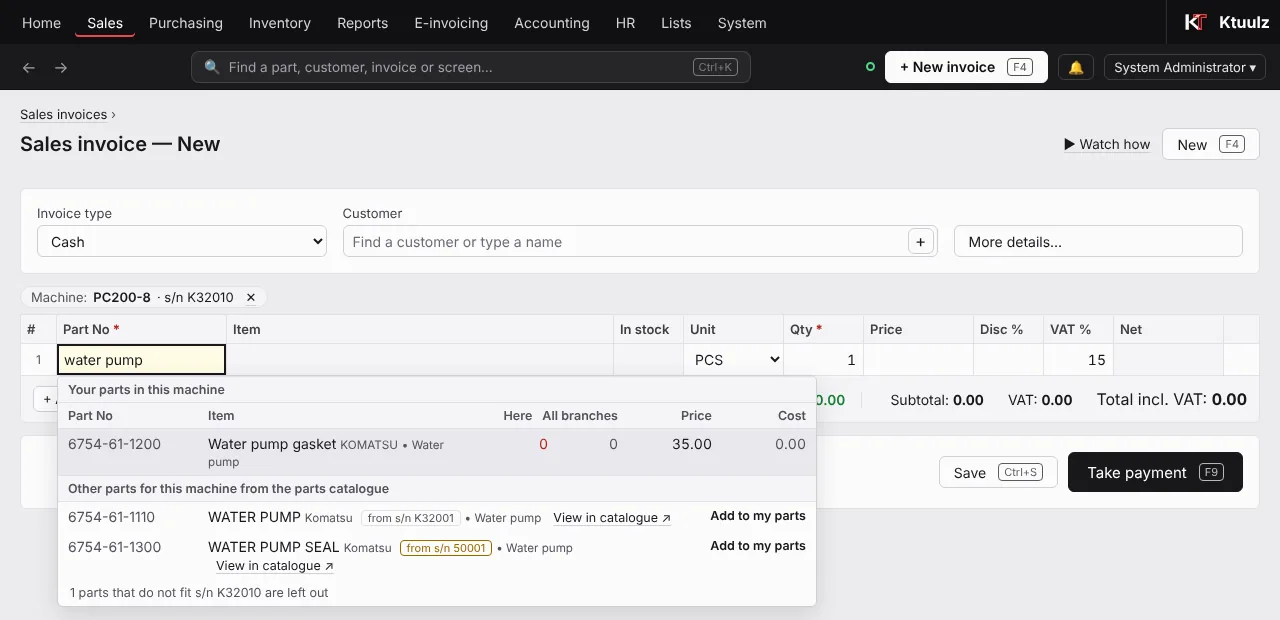
With the parts catalogue on, type a machine’s serial number or model in the part search. Pick the machine and the search stays inside it: your own parts for that machine first, with stock and price, then the catalogue’s other parts. With a serial, parts that do not fit that serial are left out.
The catalogue when you have nothing
When your own parts have no match, the parts catalogue suggests the parts it knows. Add one to your parts in one click and it is ready to price and sell.
Paste a whole list into a quotation
A customer sent a list on WhatsApp or in Excel? Paste it into a quotation, or drop the file on it: lines such as 1R-0750 x2, cells copied from Excel, a CSV or .xlsx file, or the catalogue’s own export. Each number is matched to your parts with its price and stock for you to check; numbers you do not stock are listed and left out.
Search everything with Ctrl+K
One box at the top of every screen finds parts with stock and price, customers and suppliers, invoices by number, phone or part, and screens by name.
All features
Everything in Parts search & catalogue
- Part search that ignores dashes, spaces, dots and slashes
- Arabic letter variants and Arabic digits folded
- Replacement, original and supplier numbers on one part
- Stock here and in all branches in the search list
- Hundredths of a second on 100,000 parts
- Scanned numbers go straight onto the line
- Search by machine serial or model, with the parts that fit
- Catalogue suggestions added to your parts in one click
- Paste lines, or drop an Excel or CSV file, into a quotation
- Ctrl+K: parts, customers, suppliers, invoices and screens from one box
Works with
Connected to the rest of the shop.
Sales & counter
Serve the customer in front of you in seconds, and print a clean bilingual invoice.
Stock & branches
Know what is on every shelf in every branch, and what to buy next.
Purchasing
Buy from local and overseas suppliers, with the landed cost worked into every part.
Questions
Questions about Parts search & catalogue
Do we need the parts catalogue?
No. The search, replacement numbers and pasted lists work on your own parts. The catalogue adds suggestions and search by machine serial or model; it comes with the Business plan and above.
Is the machine saved on the invoice?
No. The machine you pick narrows the search while you build the quotation or invoice. The document keeps the parts you sold.
How fast is it with a big parts list?
We test with 100,000 parts: the part search answers in hundredths of a second, and long lists open in pages with the totals of the whole result.
What if the catalogue cannot be reached?
Your own search works exactly as before. Only the catalogue’s suggestions are missing until it is back.
See it with your own parts.
Start a free trial, or email us first. We answer in Arabic or English.
- ZATCA Phase 2 e-invoicing
- Data kept in Saudi Arabia
- Arabic and English
- contact@ktuulz.com