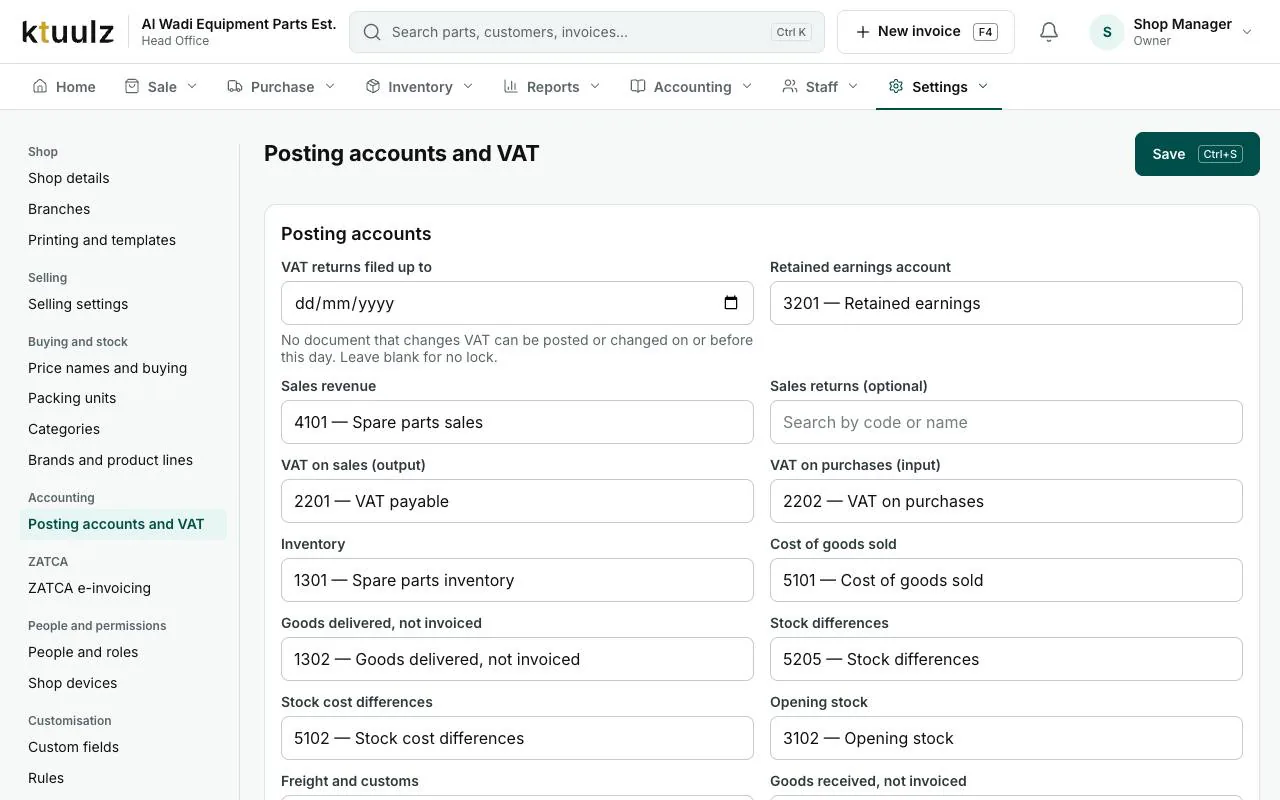

Accounting and VAT
You rarely make entries by hand: every sale, return, payment, expense, purchase and stock adjustment writes its own voucher. The Accounting menu is for checking and for the few entries that are not documents.
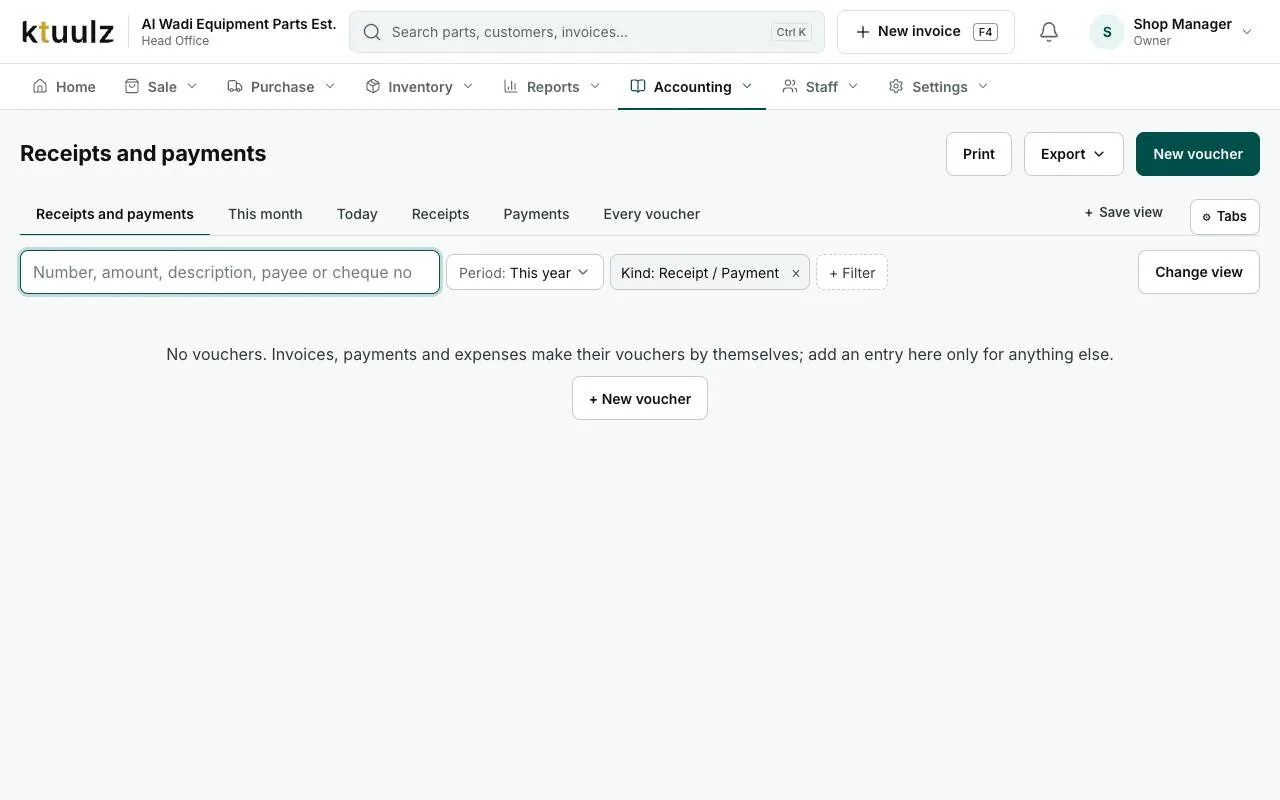
Receipts and payments
Accounting → Receipts and payments — receipt vouchers (money in) and payment vouchers (money out). Switch on Show all vouchers to see every kind (sales, returns, purchases, cash in / out, drawer differences, journals). Filter by type, date and branch; a line opens its voucher and its document.
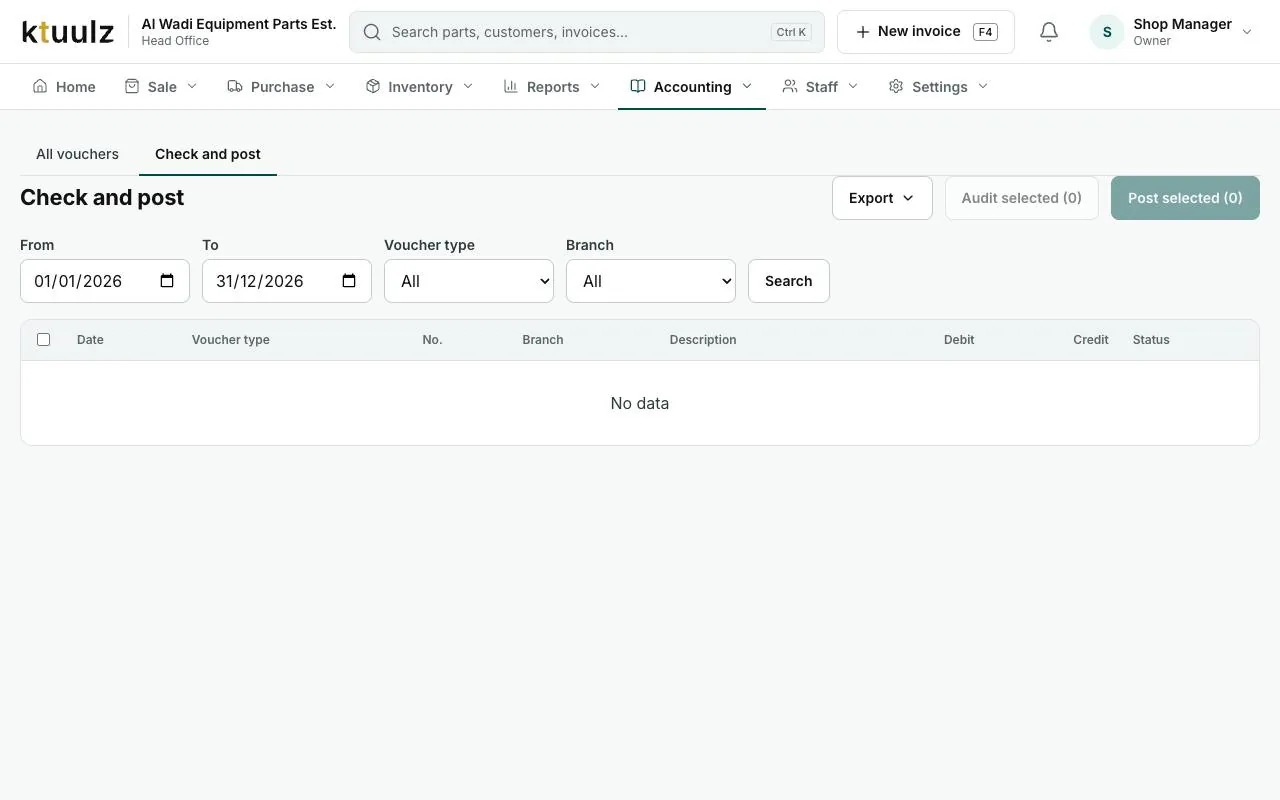
Check and post
Accounting → More → Check and post — vouchers made by hand wait here: the accountant checks them, then posts them to the books (who may do which is set per person).
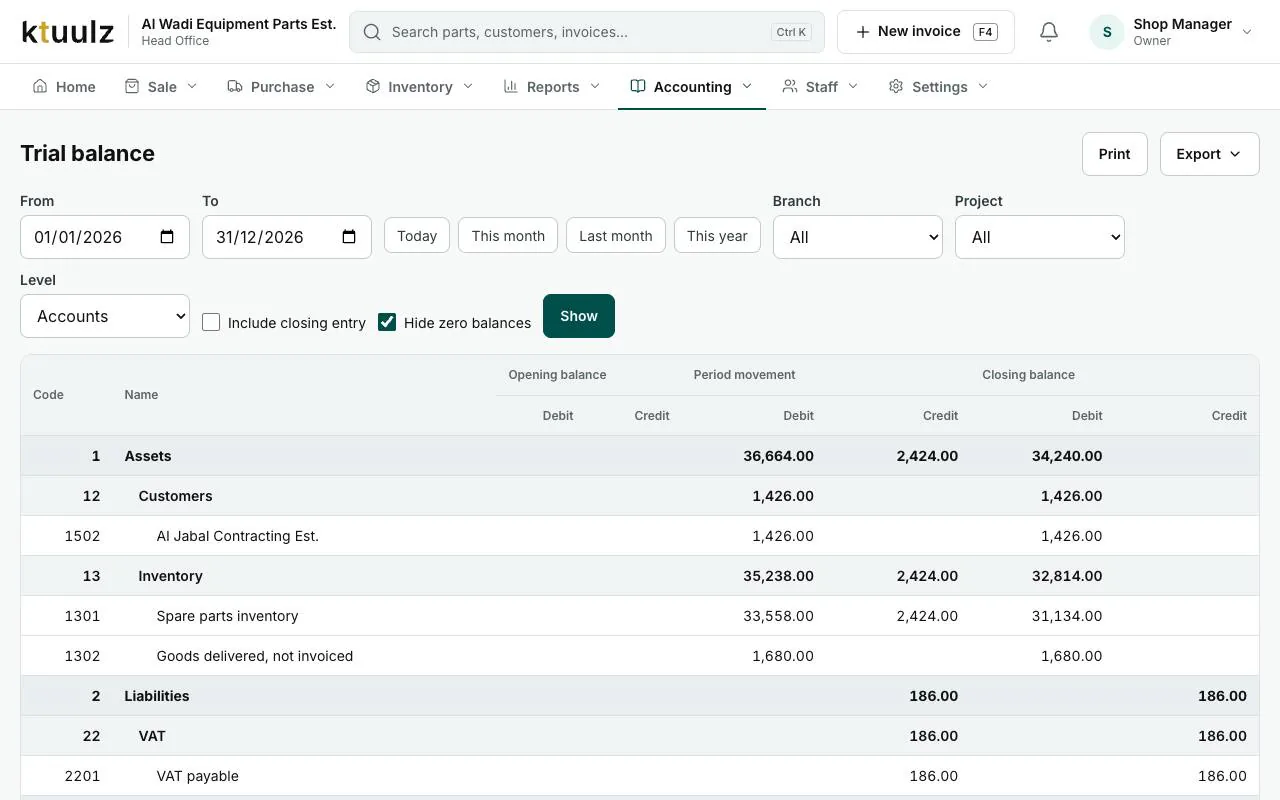
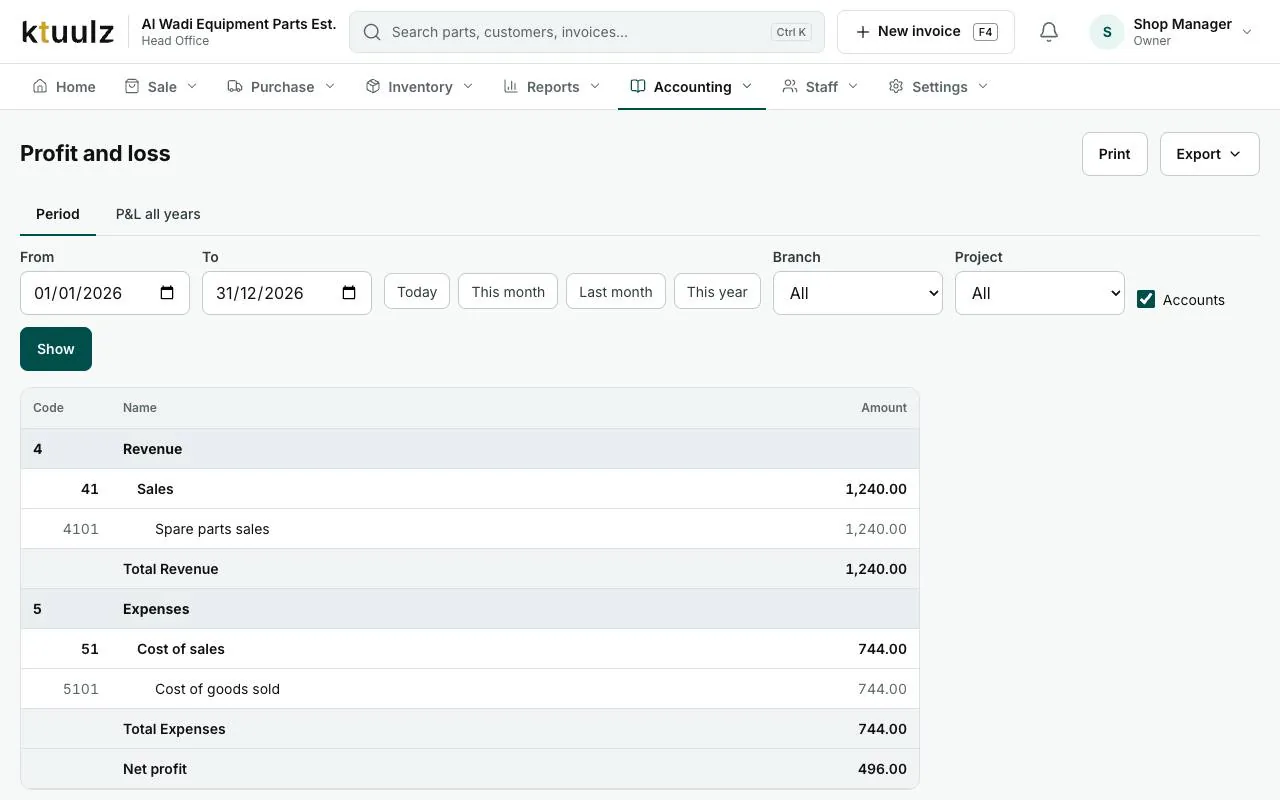
Account statement, trial balance, profit and loss
- Account statement — every movement of one account with the running balance (a customer, a supplier, the bank).
- More → Journal entries — all vouchers with a type filter; Trial balance, Profit and loss, Balance sheet.
| Trial balance | Profit and loss |
|---|---|
 |
 |
VAT return
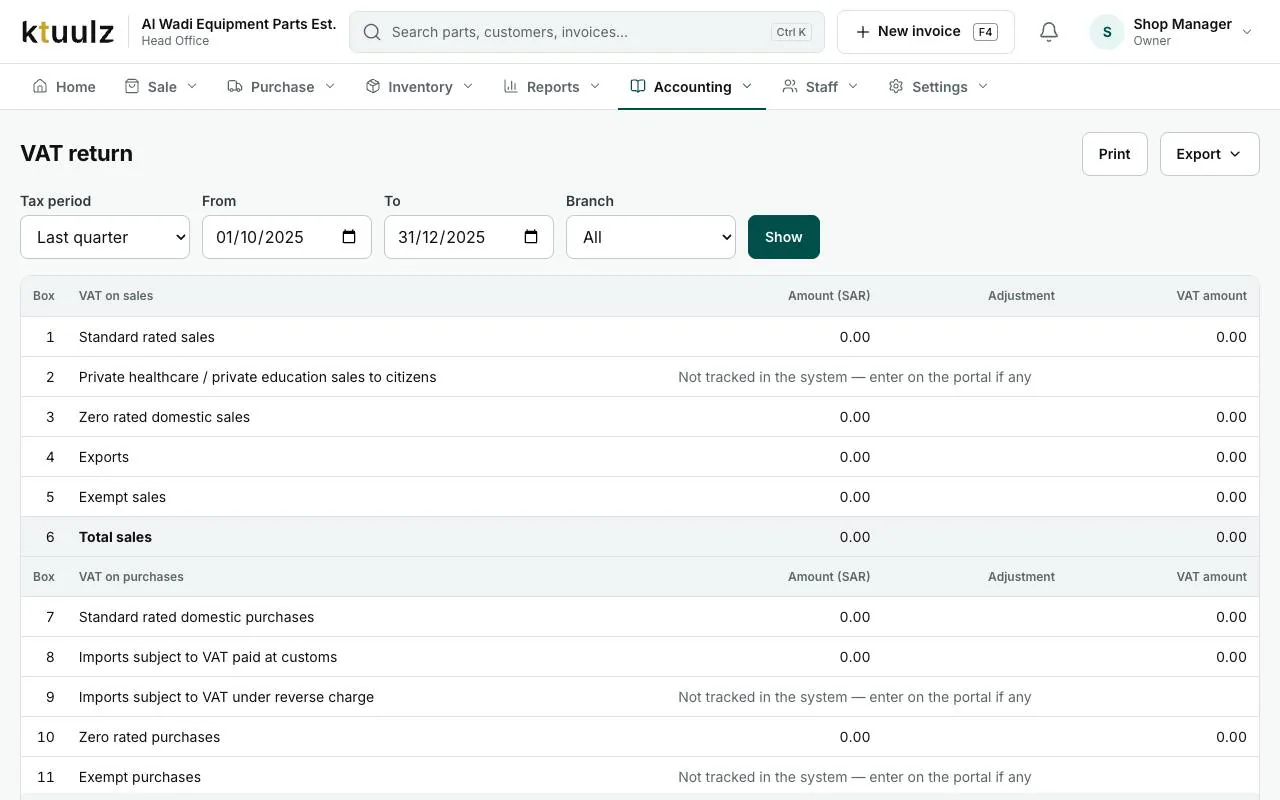
Accounting → VAT return — the period's sales VAT (output), purchase and import VAT (input) and what to pay ZATCA, with the lines behind each box. Once filed, lock the period so nothing in it can change.
ZATCA e-invoicing
Every finished invoice, return and debit note is signed and sent to ZATCA by itself (standard tax invoices to business customers are cleared, simplified ones reported). Accounting → More → ZATCA documents shows each one's status; Settings → ZATCA connects the shop once (the one-time code from the FATOORA portal).
Accounting setup
More → Setup: Chart of accounts, Financial years, Posting accounts (which account cash, mada / card receipts, Bank transfers received, sales, VAT … go to), Currencies and banks, Projects and types.