

The cashier's day
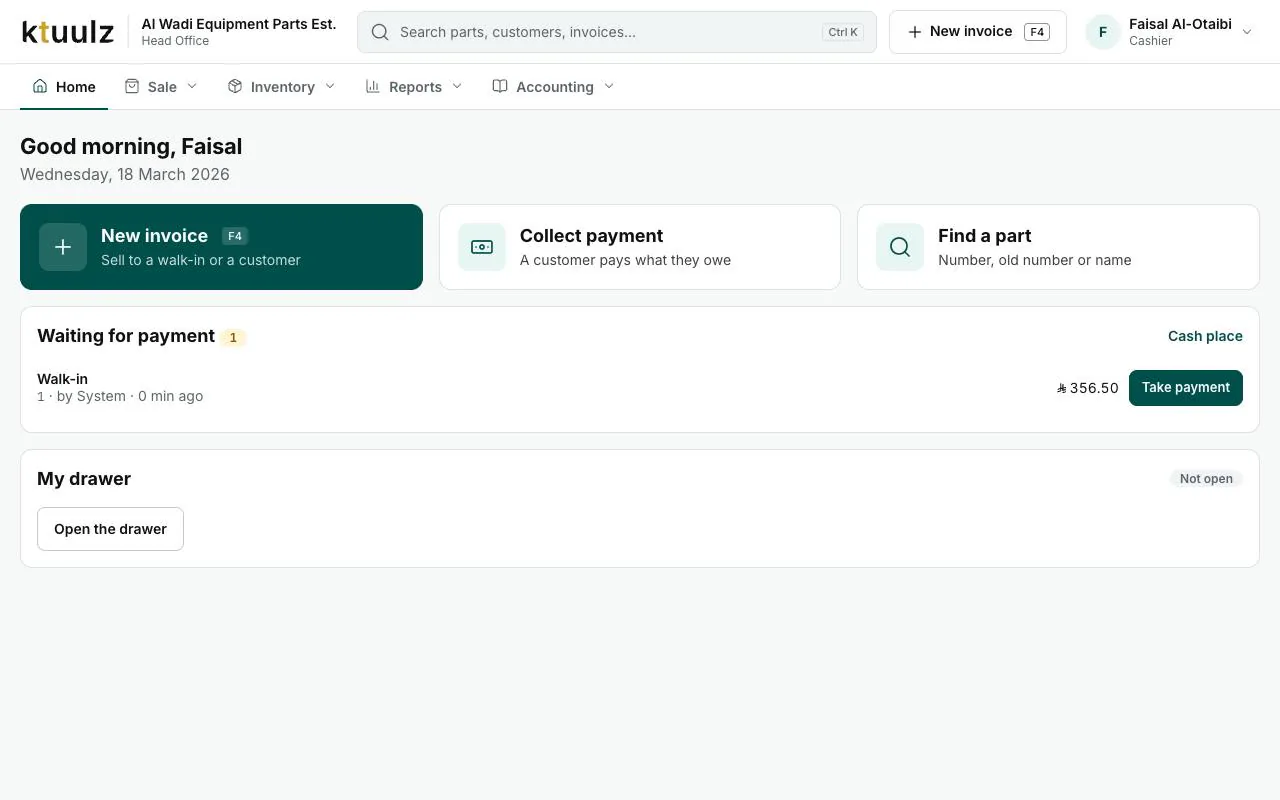
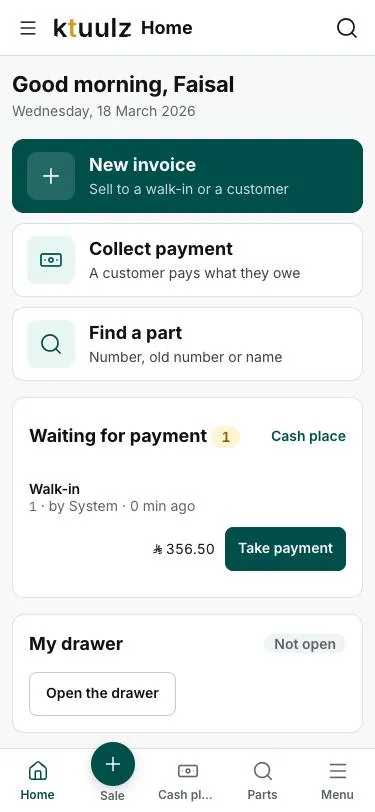
Your Home has three big buttons — New invoice, Collect payment, Find a part — and the invoices waiting for payment (made by a salesman), each with Take payment.
- Open your drawer: Sale → Cash place → opening amount → Open the drawer.
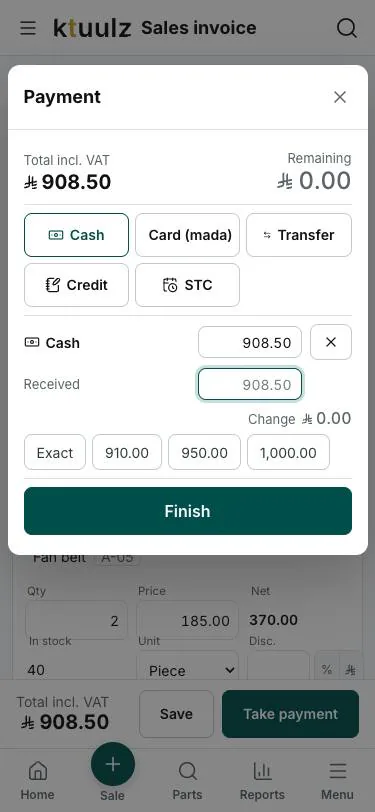
- Sell: F4 → customer (or none) → parts → F9 → type what you received → Enter. Card: F9 → F7 → Enter. Split: add another way in the box. Details: selling.
- Waiting invoices: on Home, Take payment on the invoice → the payment box.
- Collect from a customer who owes: Cash place → Collect payment (F9) → customer → amount → Take payment → print or WhatsApp the receipt.
- Returns: open the invoice → Make a return.
- An expense paid from the drawer: Cash place → Expense → Send for approval.
- Close your drawer: count first, type it, then see over / short and write why → Close.
You cannot sell on Credit over a customer's limit — ask the owner or manager to finish that invoice.
| Phone Home | Payment box on a phone |
|---|---|
 |
 |