

Buying: purchase invoices, orders, imports and landed cost
A local purchase (received at once)
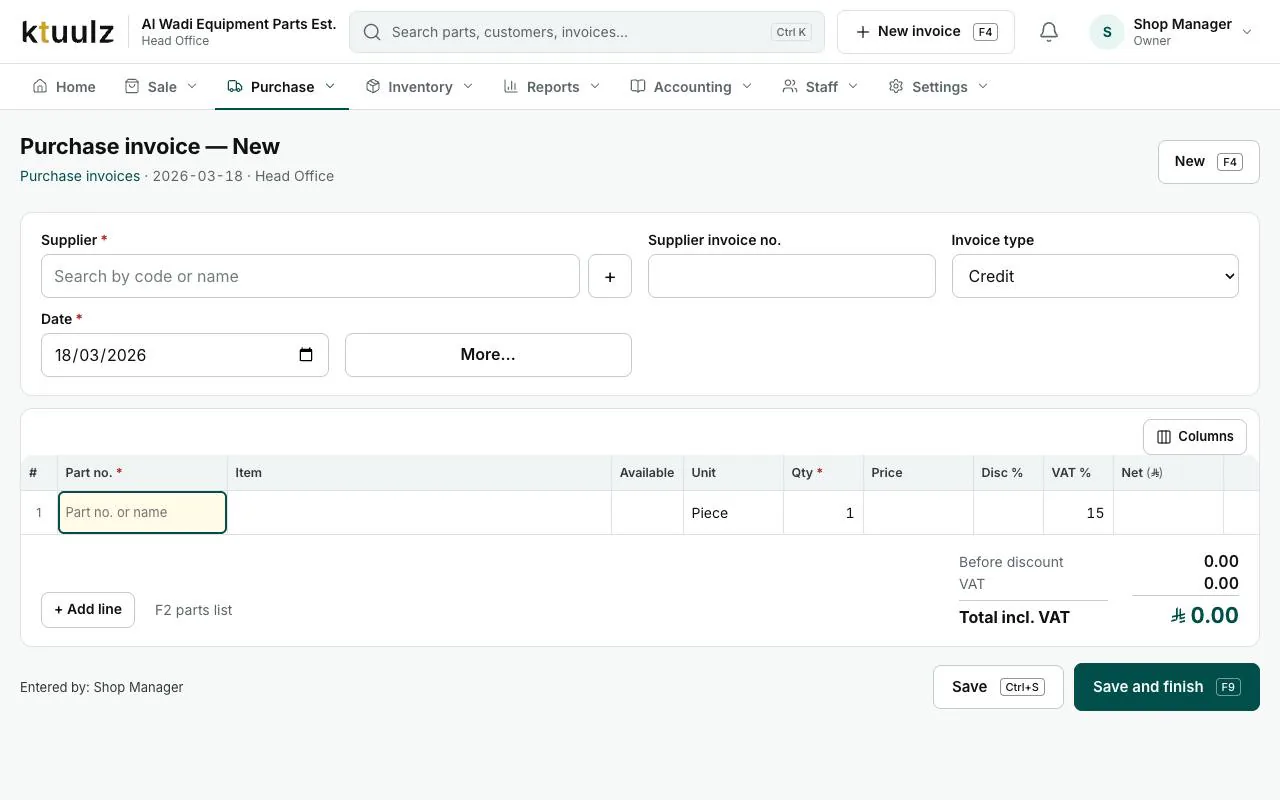
- Purchase → New invoice. Supplier (or + new supplier), the supplier's invoice number, cash or credit.
- Add the parts with quantity and price → Save and finish (F9). Stock goes up at once at this cost; a credit
purchase is owed to the supplier.
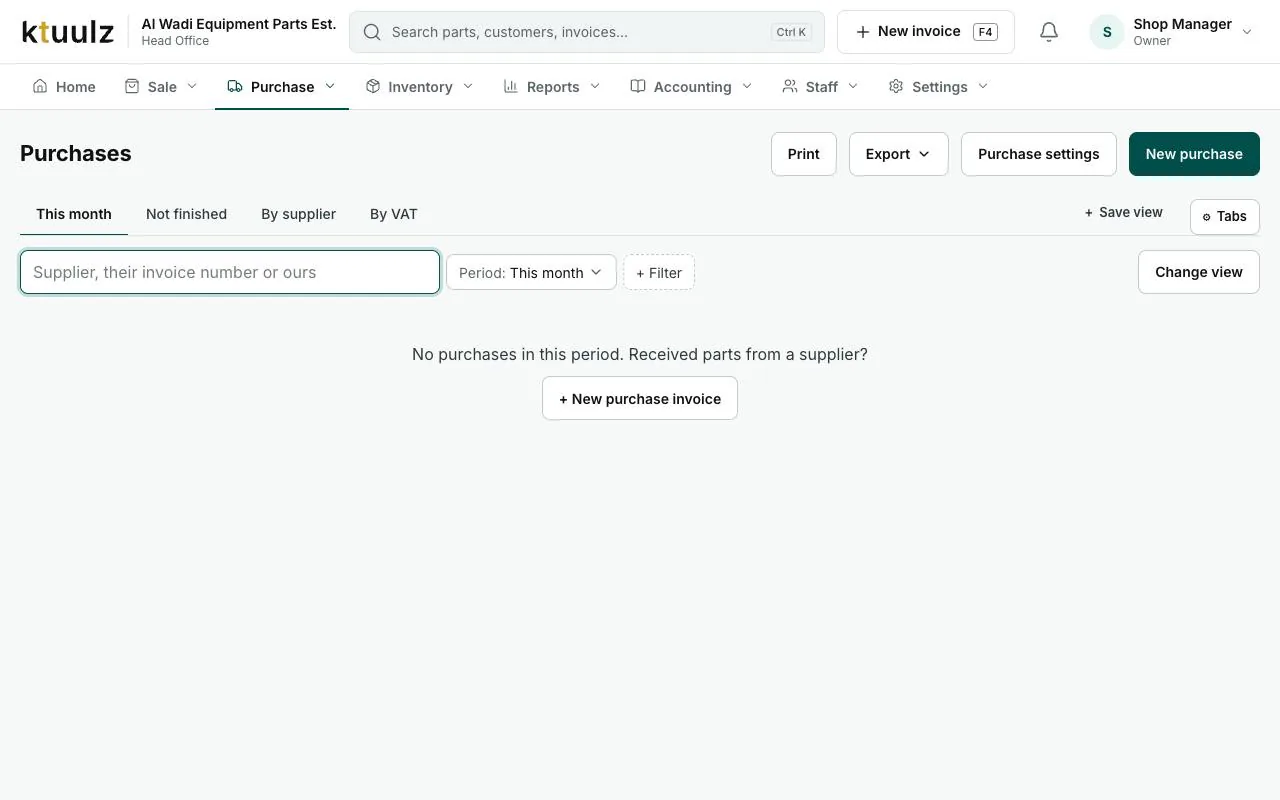
- Purchase → More → All invoices lists them (with Paid by).
Purchase orders and receiving in parts
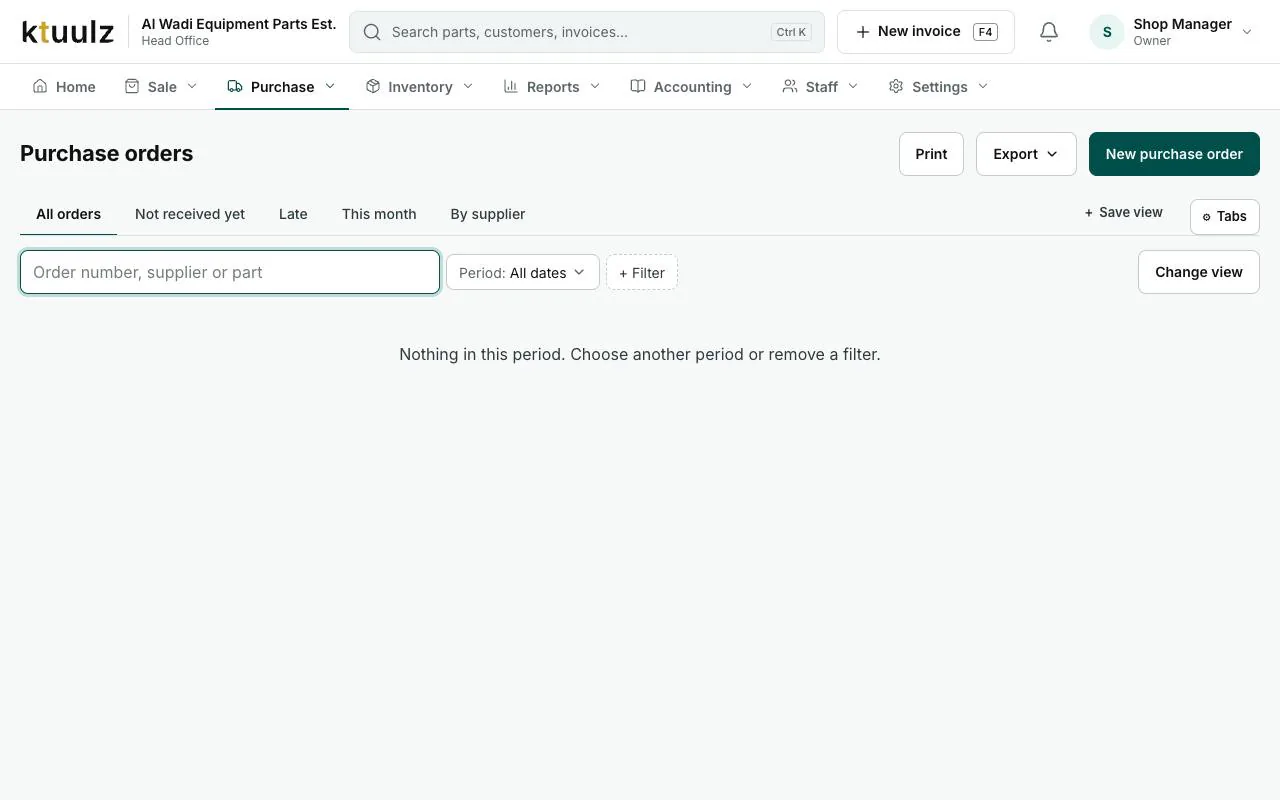
- Purchase → Purchase orders → new order to a supplier; send it (print / WhatsApp).
- When goods arrive: open the order → Receive — quantities filled with what is still due; change them for a part delivery. Receive again for the rest.
- Make the purchase invoice from the receipts.
Goods receipts show in the menu only when the shop switched on receive separately (Settings).
Order suggestions
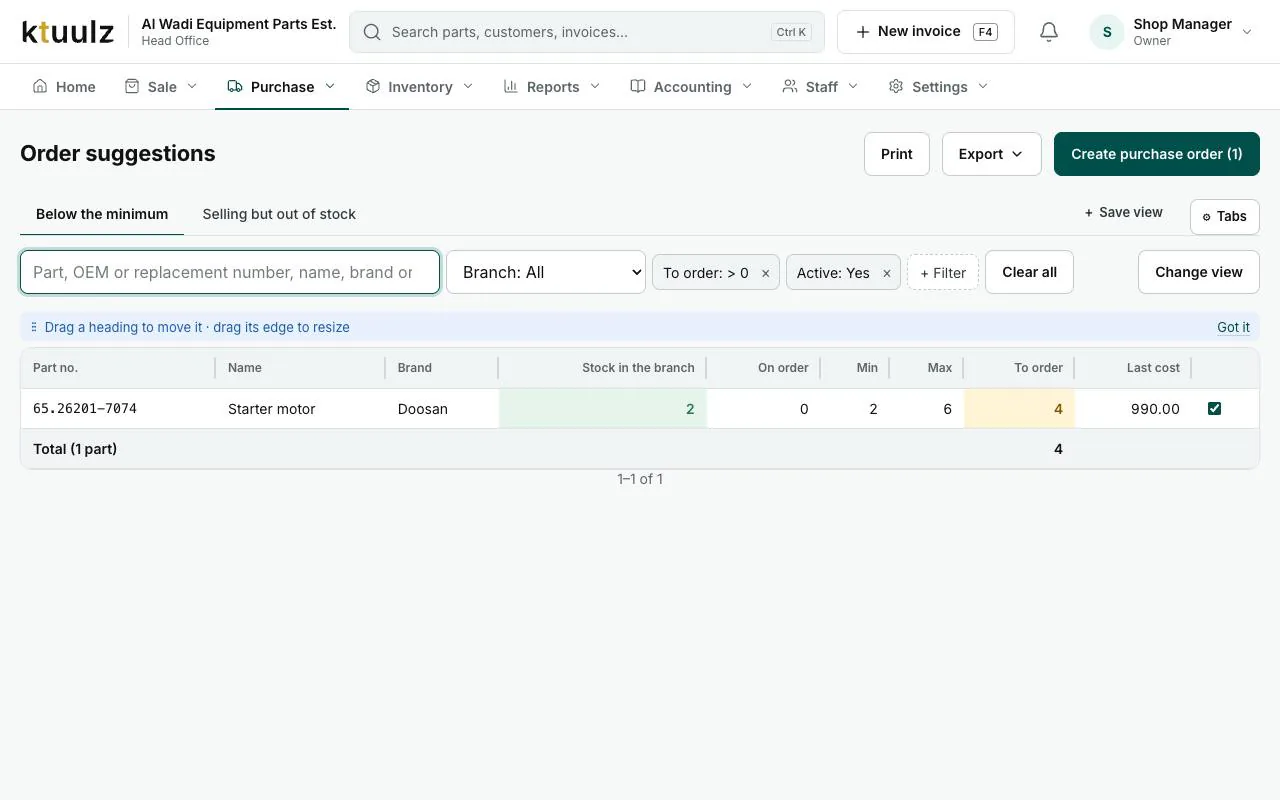
Purchase → Order suggestions: parts below their reorder level or selling but out of stock, with a suggested quantity → make a purchase order from them.
Import shipments and landed cost
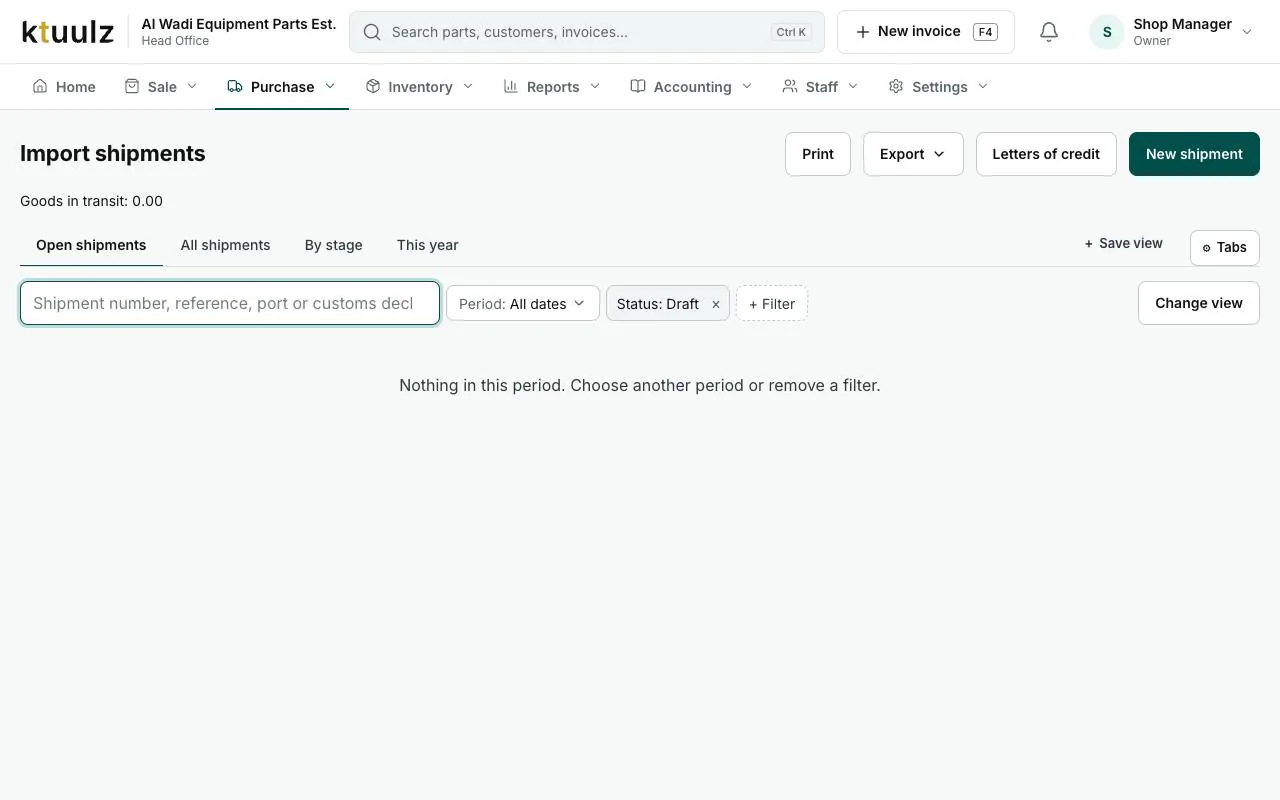
For goods bought abroad (Purchase → More → Import shipments):
- New shipment → the foreign supplier's invoice (in its currency and rate).
- Add the cost bills: freight, customs duty, clearing, and the import VAT paid at customs.
- Receive the shipment. Each part's cost becomes its landed cost = price + its share of freight, duty and
clearing (import VAT is claimed back on the VAT return, not added to cost).
Return to supplier and paying
- Purchase → More → Return to supplier — parts going back.
- Purchase → More → Pay supplier — pay open bills from the drawer or a bank (Cash place).
- Reports → More → Supplier balances — what you owe each supplier, by age.