

Reports
Reports → daily items at the top, the rest under More. Every list and register loads as you scroll — there are no page numbers and no line limit. Print, Save PDF and Excel export are on every report.
Daily report
One page for a day (and a branch / cashier): 1 Sales · 2 By way of payment (Cash, Card (mada), Transfer, Credit, STC) · 3 Returns · 4 Collections · purchases · expenses · Drawers (each drawer's opening, cash in, cash out, expected, counted, over / short).
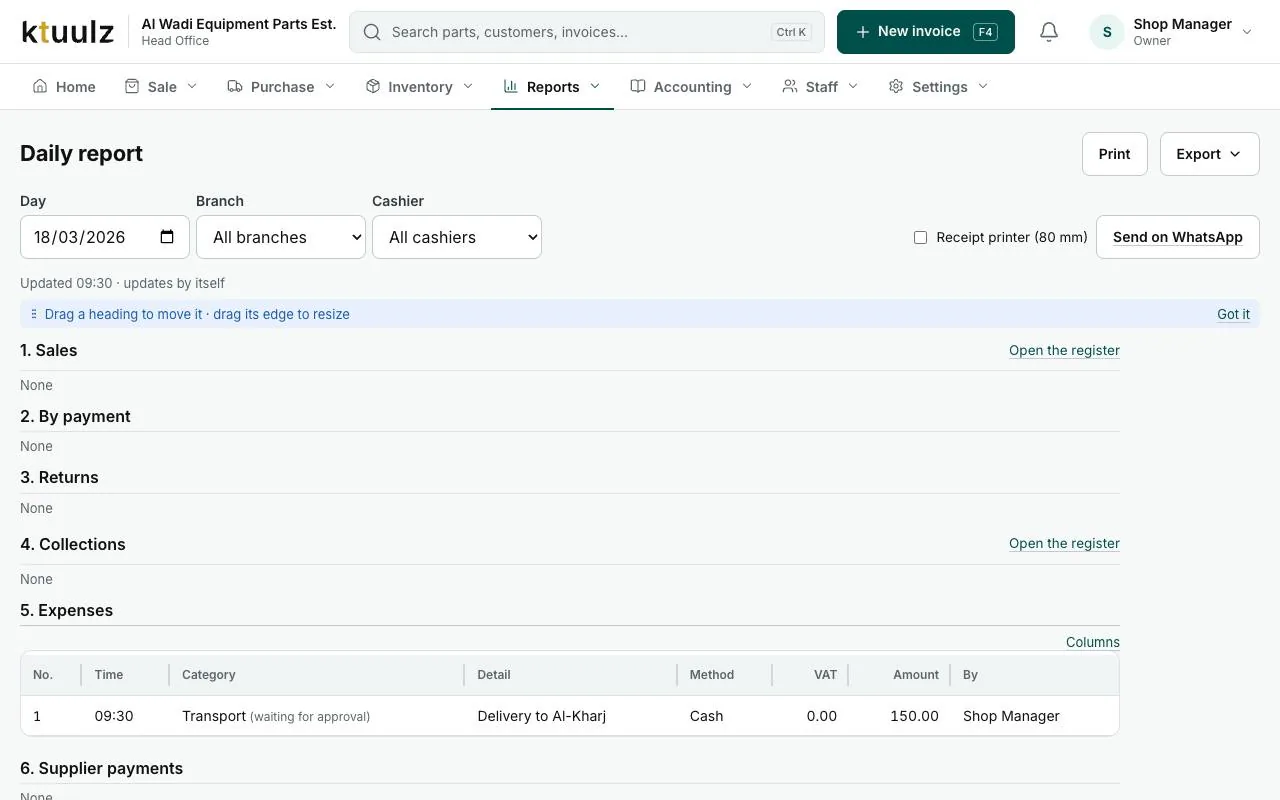
- Sales, Collections and Purchases have Show the lines / Hide the lines. Your choice is remembered for you on every device.
- Open the register jumps to that day's lines in the register.
- Send on WhatsApp and Receipt printer (80 mm) for the end-of-day slip.
Registers — Sales, Purchases, Payments, Stock moves
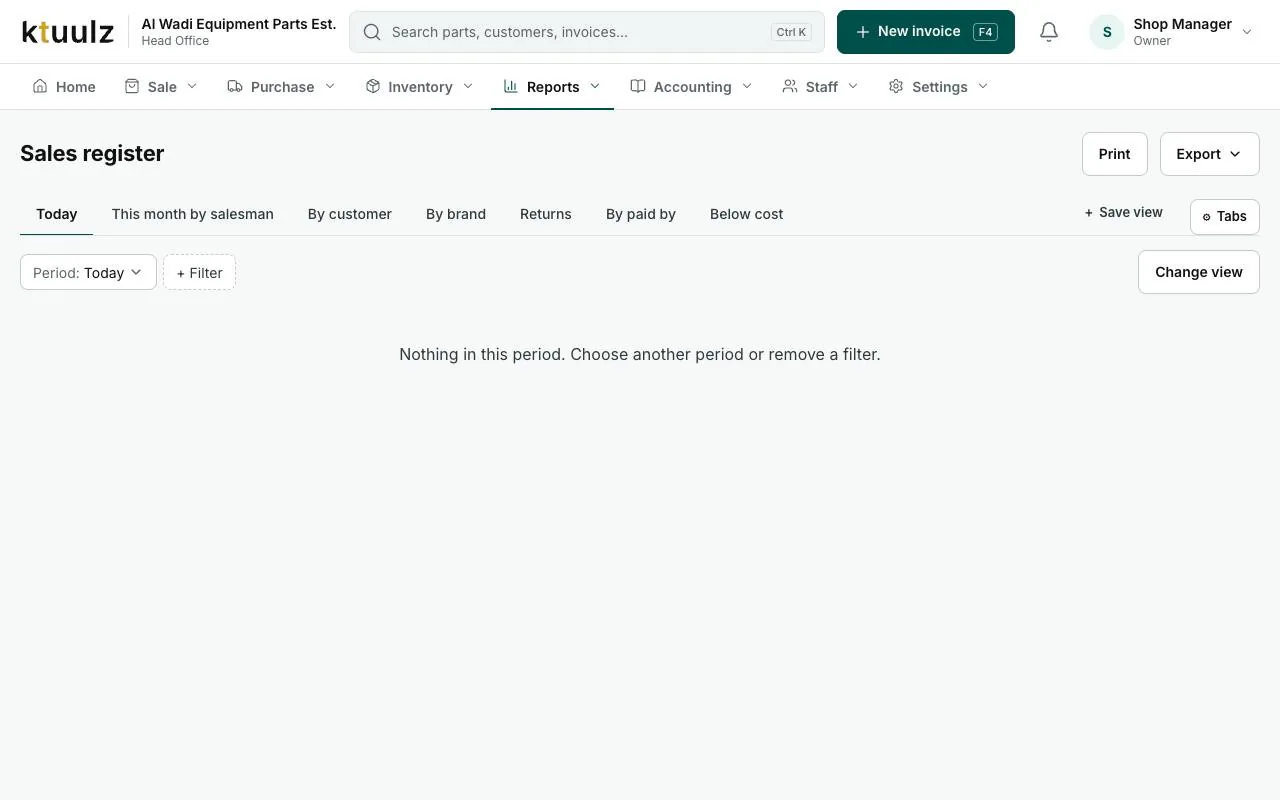
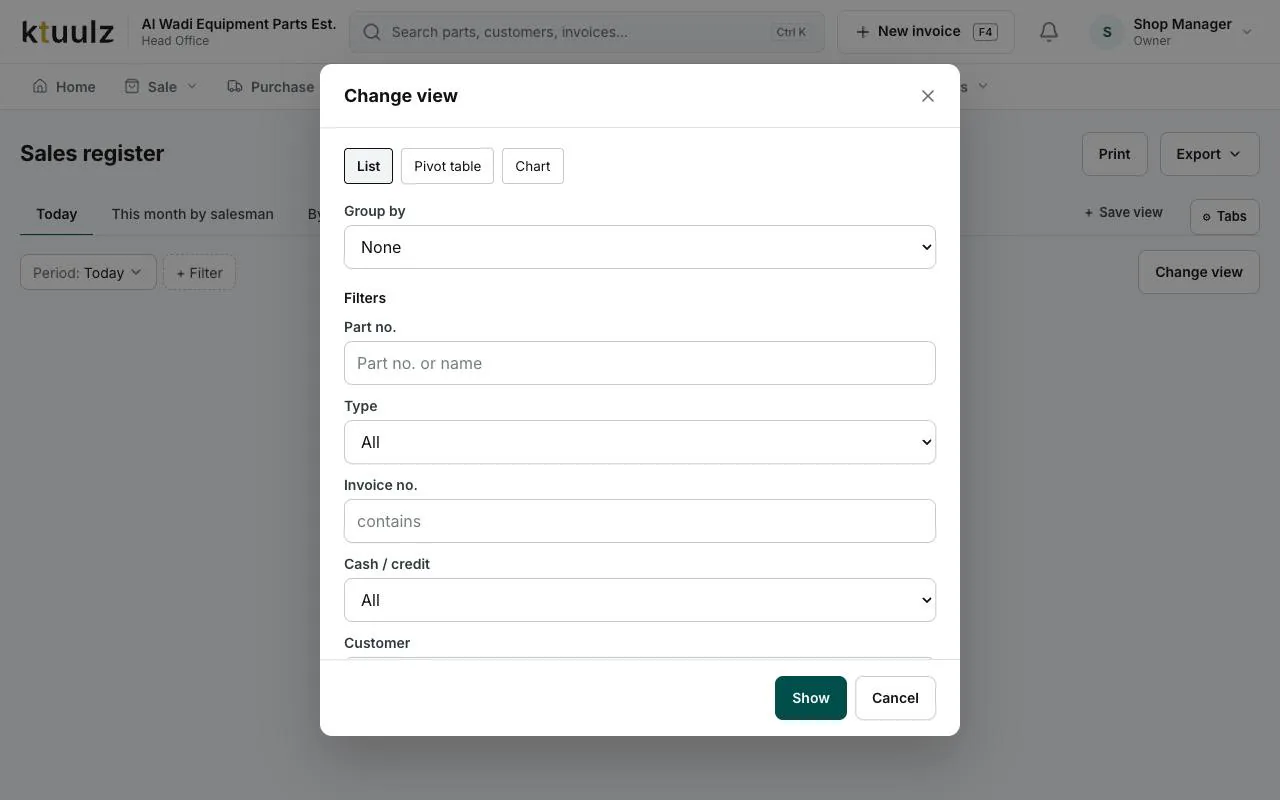
Every line, with Change view: List / Pivot table / Chart, Group by (customer, salesman, branch, part, way of payment …), Filters and Columns. Ready views at the top (Today, This month, By salesman, Below cost…); Save view… keeps yours, with a name in English and in Arabic. ⚙ Tabs (Manage tabs) lets you reorder, hide, rename or delete the tabs for yourself. With Branch ▾ at the top set to one branch, reports and exports show that branch only.
| Sales register | Change view |
|---|---|
 |
 |
Sold below cost (Reports → More) is the Sales register's Below cost view (cost right only).
Cash and bank book
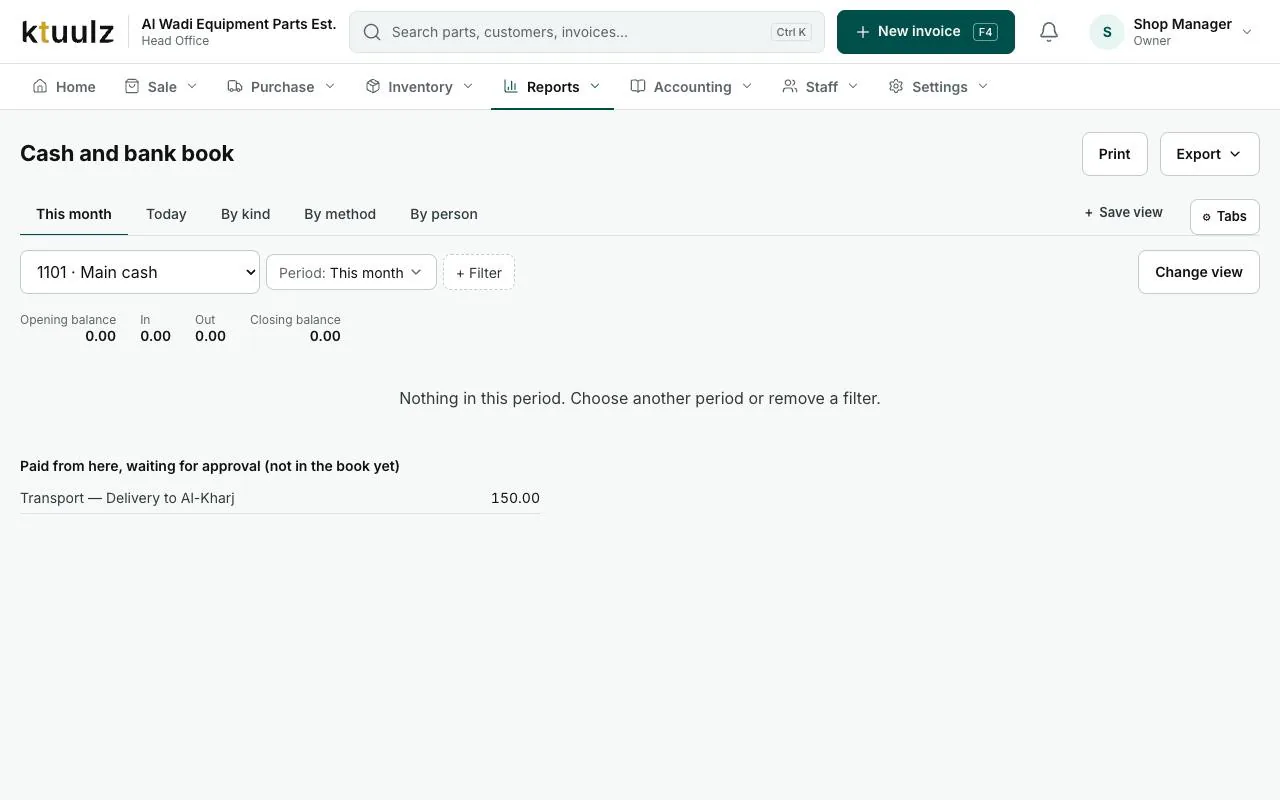
Reports → More → Cash and bank book — every movement of one money place (a drawer, the branch cash box or a bank) over a period: Date · No. · Kind · Customer / supplier · Detail · Method · In · Out · Balance · By. Above the rows: opening, in, out, closing. Pick the place at the top; a cashier sees only their own drawer. It has the same Change view (by kind, by method, by person) and scrolls without limit. A row opens its document.
Balances and stock
- Customer balances / Supplier balances — by age, due and overdue.
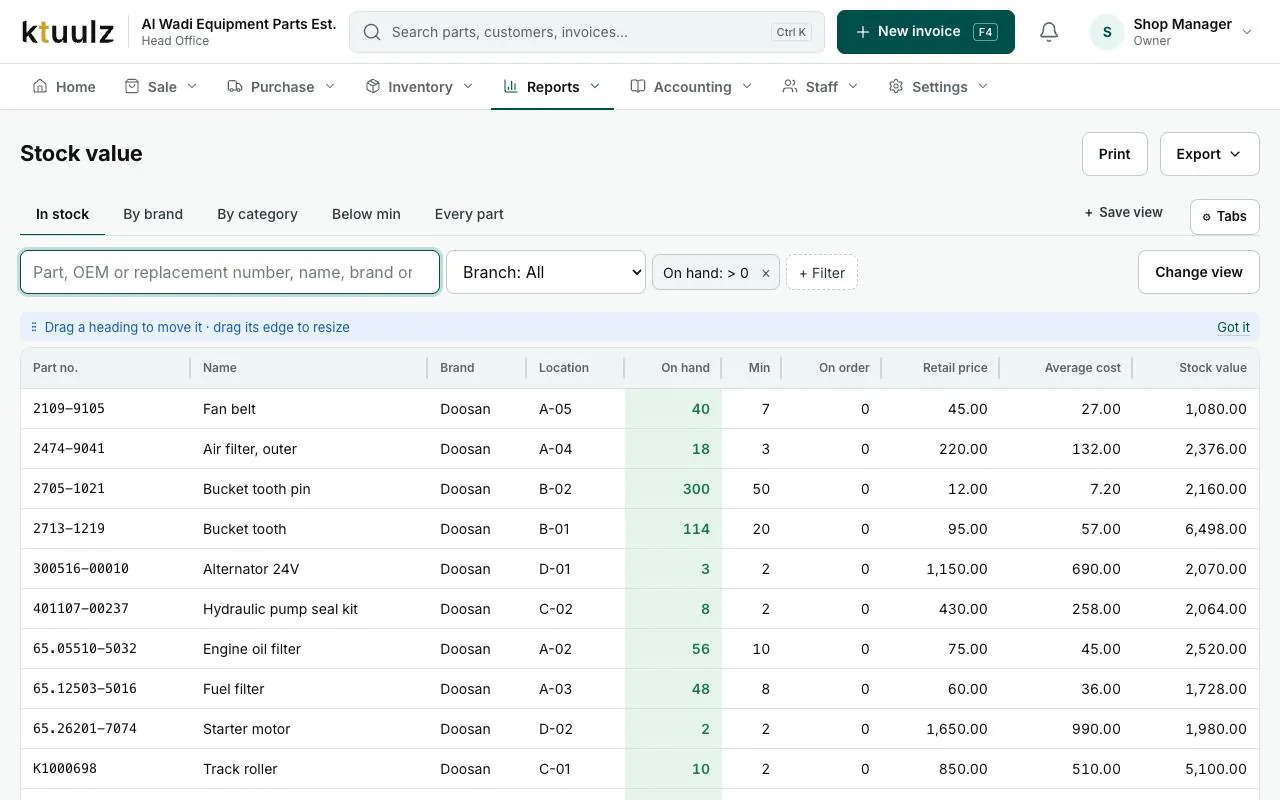
- Stock value, Slow-moving parts, Stock moves.
The numbers agree
For any day: the Daily report's sales = the Sales register's total; the drawer's expected cash = the Cash and bank book for that drawer; collections = the Payments register; and all of them = the ledger (Account statement, Trial balance) and the VAT return. Ktuulz's tests check this on a worked day for every release.