

Returns and delivery orders
A customer brings parts back
- Open the invoice (Sale → All invoices, or Ctrl+K and its number) and press Make a return — or Sale →
Returns and type the invoice number.
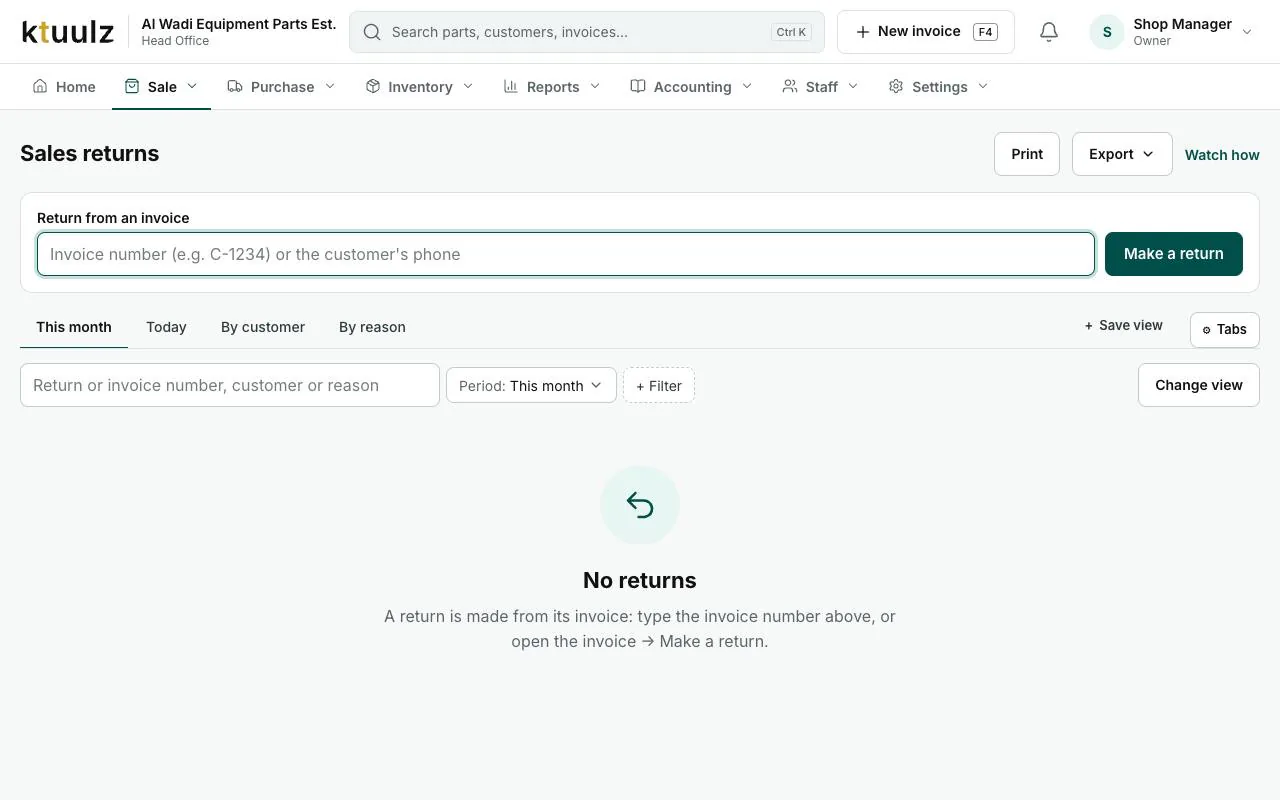
- Tick the lines coming back and the quantity, write the reason, save.
- For a named customer choose Refund to: Cash (from your drawer) or Customer account (less owed). A walk-in gets cash back. The parts go back into stock and ZATCA gets the credit note by itself.
A finished invoice is never edited; a return is the correction. To charge more on a finished invoice use Sale → More → Charge more (a debit note).
Deliver now, invoice later — delivery orders
For workshops and companies that take parts now and are invoiced at the end of the week or month.
- Sale → Delivery orders → New delivery order: customer, parts, F9 → Confirm the delivery. Stock goes out;
no money yet.
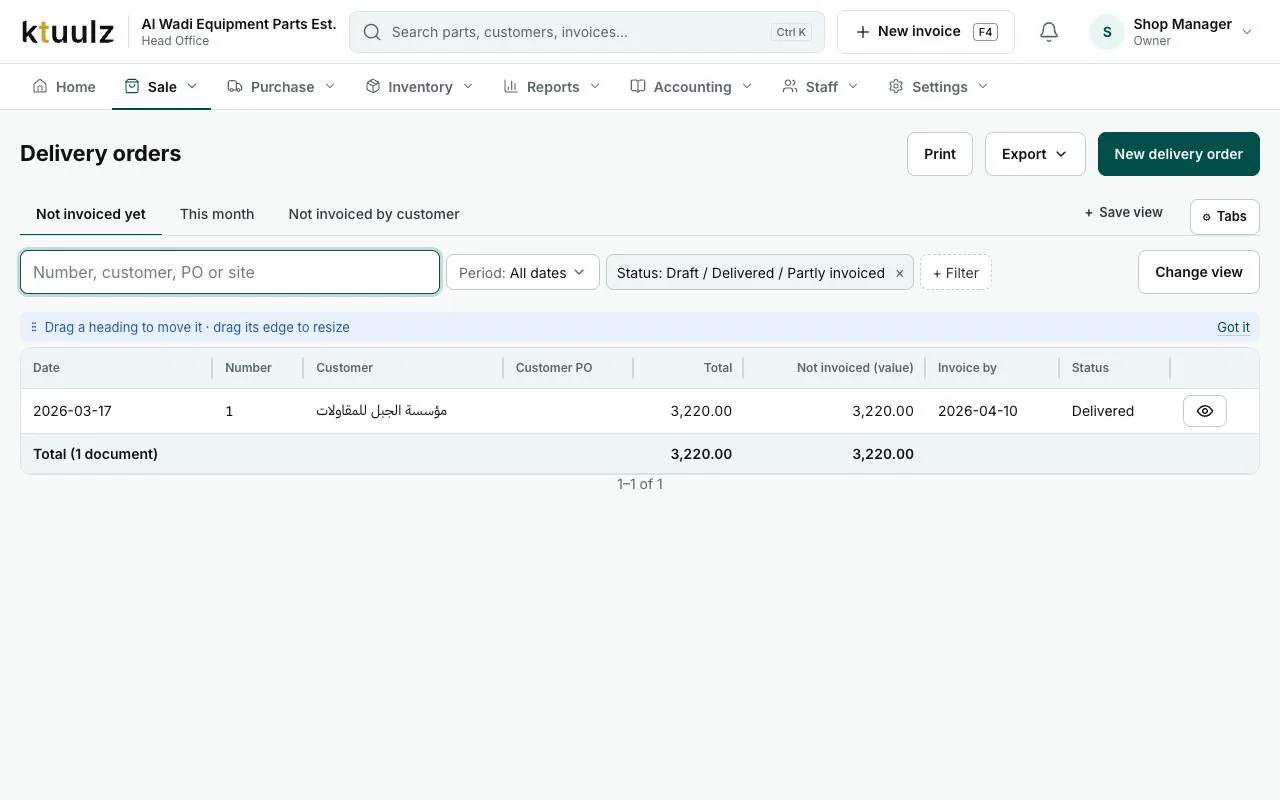
- Later: open a delivered order → Make invoice. The same customer's other open orders in this branch are listed and ticked; untick what is not to be invoiced yet → Enter. The invoice opens at the delivery prices → F9.
- Sale → More → Delivered, not invoiced lists what is still waiting; the owner's Home warns when one is late.