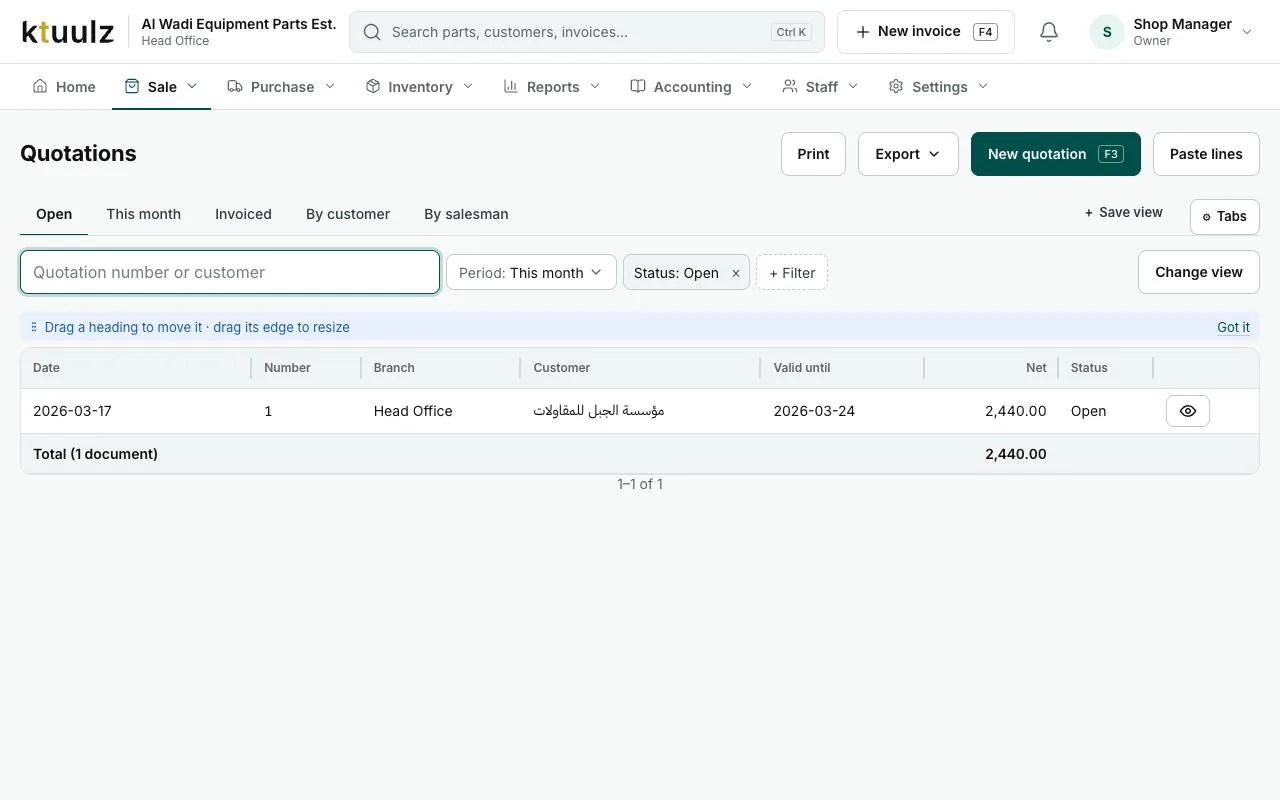

Quotations
A quotation is a price offer. It does not touch stock or money until it becomes an invoice.
- Press F3 anywhere (or Sale → Quotations → New quotation).
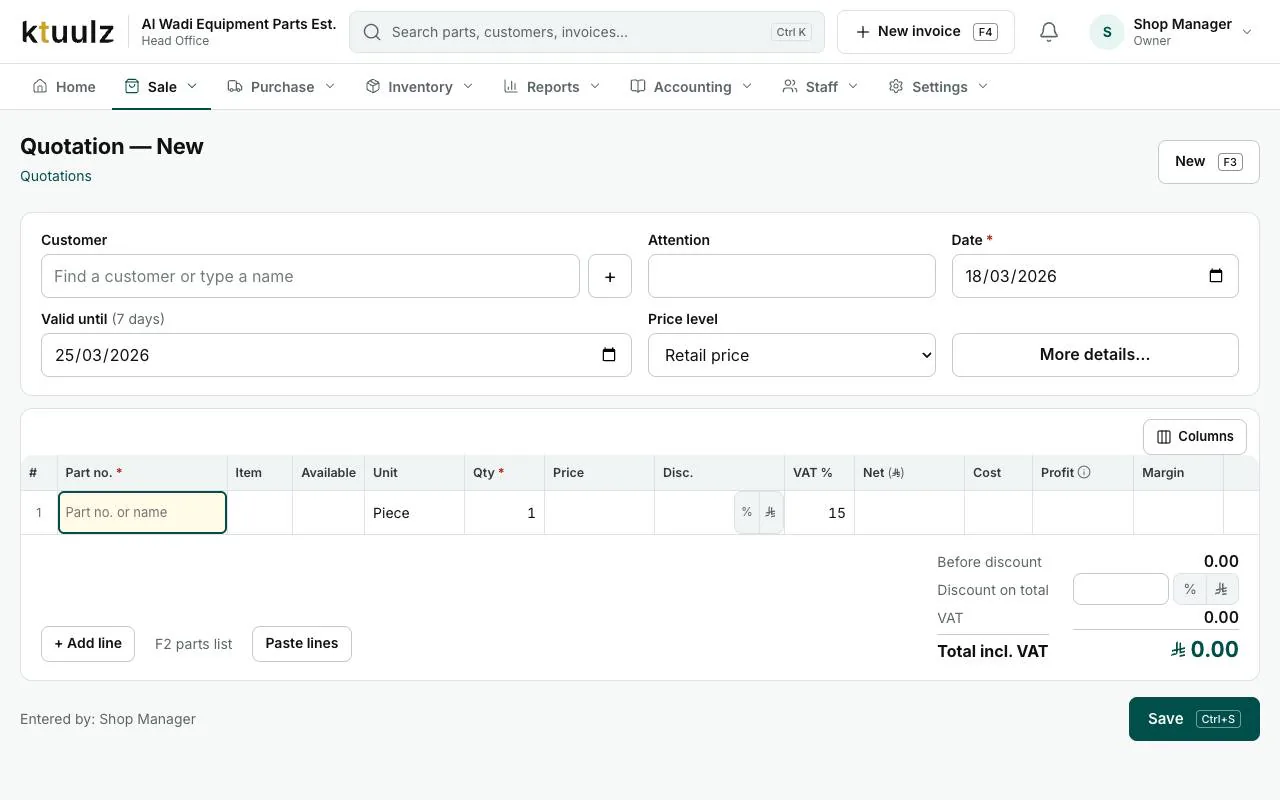
- Choose the customer (or type a walk-in's name), add the parts as on an invoice, Ctrl+S to save.
- Print or Send on WhatsApp; the customer gets the prices and the validity.
- When the customer agrees: open it → Convert to invoice → Make invoice. The invoice opens with the payment box ready (see selling). Or Delivery order — invoice later to hand the goods over first and invoice later.
- A converted quotation names what it became: Sales invoice R-125 → and Delivery order 42 → on its screen, plus every invoice made from that delivery order. In the list, Change view → Columns can add Sales invoice and Delivery order and filter by them.
The list (Sale → Quotations) shows open, converted and expired ones: